home / work / technical-product-marketing
Bots and humans, a devWorld 2026 talk on the closed web and AI agents
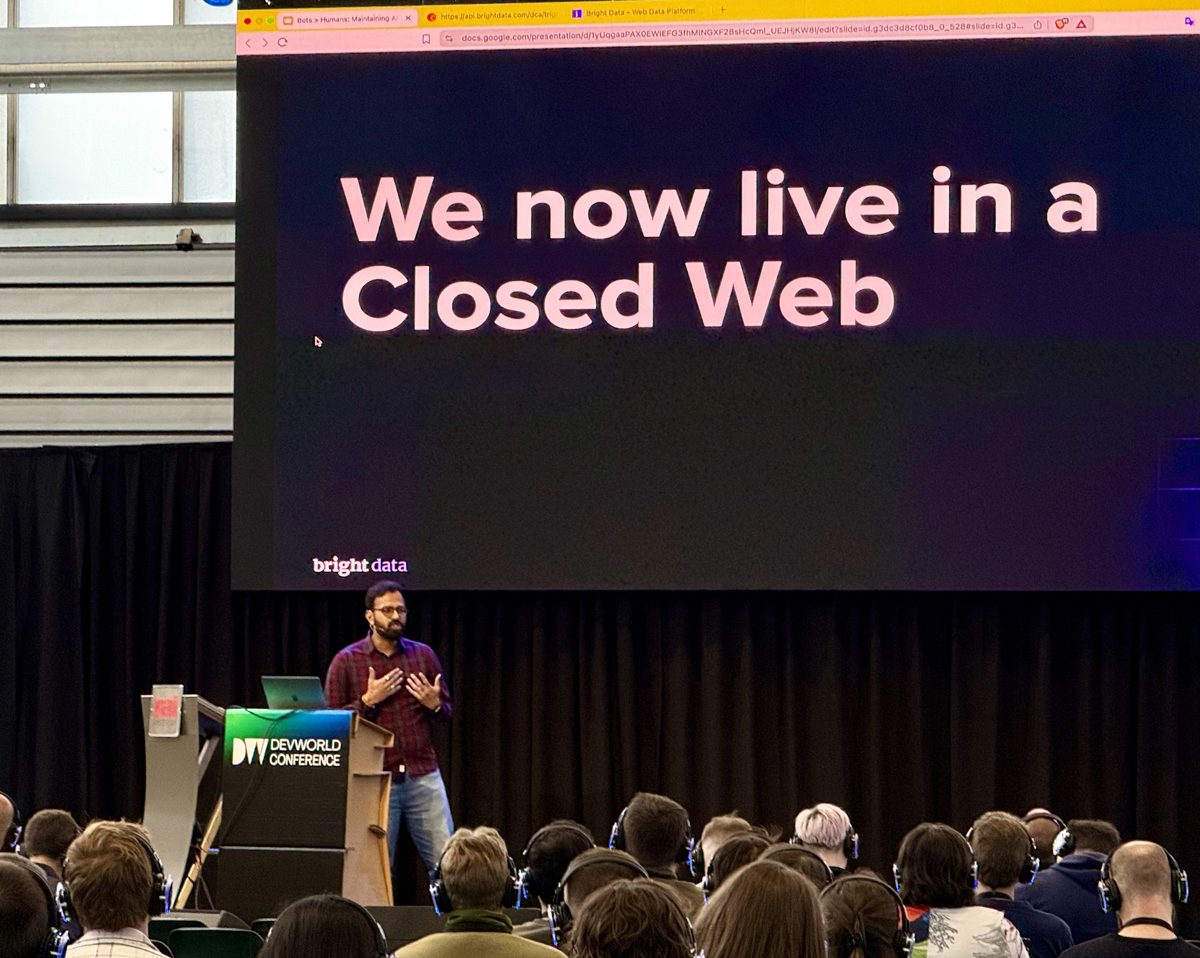
devWorld Conference 2026, Amsterdam, May 2026. Watch the full talk on YouTube.
The opening hook
I started with one number. In March 2026, Mintlify published documentation traffic data showing Claude Code alone made nearly 199 million requests to docs in a single month, more than Chrome on Windows in the same window. If you build developer tools, your biggest reader isn’t a developer anymore. It’s the agent the developer sends to your docs.
That number sets up the rest of the talk. The web is being read by machines at human scale. The infrastructure underneath it wasn’t designed for that, and the infrastructure on top of it is fighting back.
Part 1, the closed web
Four beats of history in 60 seconds:
- 2000s, open web. You curl a URL, you get HTML.
- 2010s, free APIs. Twitter, Maps, Facebook give you keys, billions of apps get built.
- 2018, the platforms realize data is the product. APIs get priced or shut down. Twitter starts gating, Maps starts charging.
- Today, the closed web. Bots are blocked by default. CAPTCHAs gate every meaningful read. Cloudflare’s one-click AI crawler blocker, shipped last July, has blocked over 400 billion bot requests in its first five months.
The result is a strange duality. Anthropic, OpenAI, Cursor, and Copilot’s agents are reading documentation at internet scale. Their data sources are getting blocked at internet scale. Both things are true at once.
I quoted Dhruv Batra, CTO of Yutori, on what comes next:
We built the web for human consumption. For a long time, we’re going to share this space. Machines acting like humans, clicking buttons, scrolling PDFs, doing OCR on the fly. That’s what it looks like for many years until the transition is complete.
Part 1.5, the DIY trap
Say you want to extract product data from a million Amazon pages for a competitive-intel tool or to train a RAG application on fresh inventory data. The naive paths fall over fast.
Asking an LLM agent to do it works for tens of pages and breaks at thousands. One task at a time. Multiply the per-task cost by a million. The agent still hits CAPTCHAs and IP blocks.
So you build it yourself. Each step looks reasonable in isolation:
- Selenium or Playwright. Works for the first fifty pages, then your IP gets noticed.
- Add a proxy pool. Rotate IPs. Now you’re past IP blocks but you’re hitting CAPTCHAs.
- Add a CAPTCHA solver. OK. Now TLS fingerprinting recognizes your handshake.
- Add fingerprint rotation. And mouse-movement mimicking. And user-agent rotation.
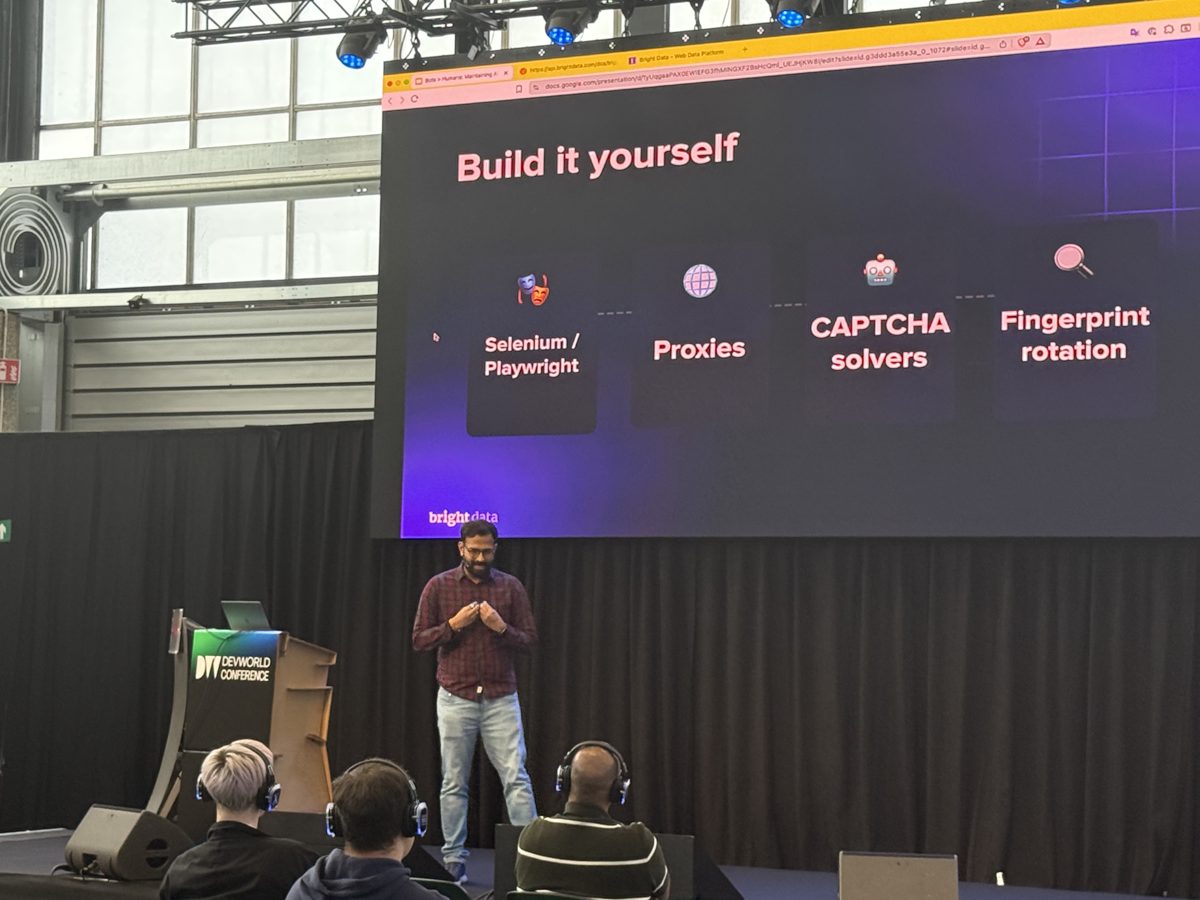
The original goal was to get data. You’re now maintaining anti-bot infrastructure. And it’s still brittle, the DOM shifts, your selectors break, BeautifulSoup returns nulls that silently feed your AI pipeline bad data downstream. The framing I landed on for the room: this isn’t a bug, it’s an architectural problem.
Part 2, the live demo
The plan was simple. Pick a real e-commerce site, prompt Bright Data Scraper Studio with the URL, get a working API back. Scale it from there.
Because I was in Amsterdam, I asked an attendee in the break what the most popular Dutch e-commerce site was. Answer: coolblue.nl. I picked a smartphone product page live on stage.
The flow:
- Pasted the coolblue.nl product URL into Scraper Studio with a one-line prompt about what I wanted (title, price, rating, reviews, description).
- The tool analyzed the page and proposed a schema. I removed two fields I didn’t need.
- Approved the schema. Scraper Studio generated a collector and an API endpoint.
- Called the endpoint from Postman, got a clean JSON response with the requested fields.
- Asked the coding agent in natural language to remove the ratings field. It edited the generated code, saved a new version, and the next API call returned without ratings.
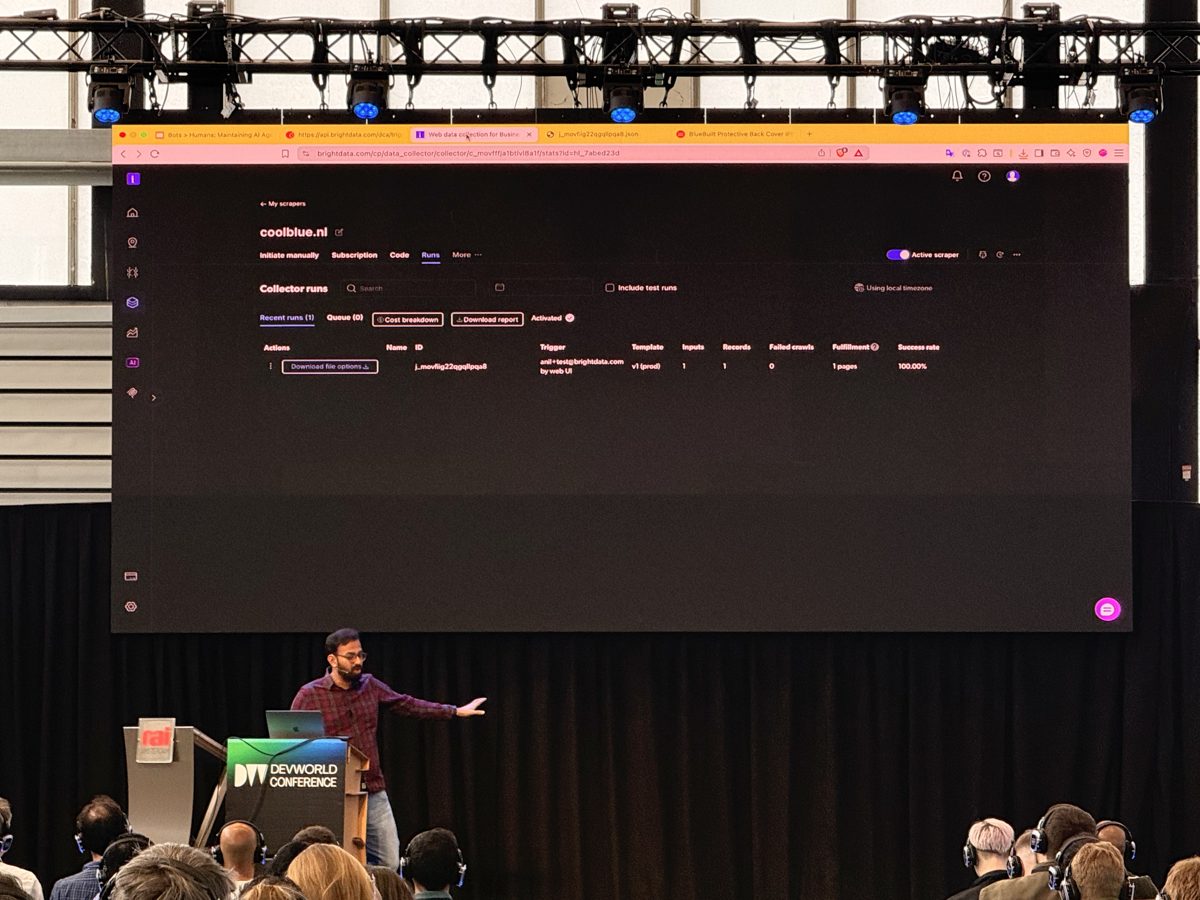
Three things I wanted the room to take away from the demo:
- Prompt plus URL to API in under a minute. No DOM inspection, no selector writing, no CAPTCHA setup.
- Self-healing. When the DOM changes or you want different fields, you ask in natural language. The collector re-derives the schema and patches itself.
- The code isn’t a black box. You can read it, version it, edit it, fork it. You own the output, not just the data.
The closing CTA was a $50 credit QR code for the audience to try Scraper Studio.
Behind the scenes
A few notes on giving this one, separate from the talk’s content.
It was my first conference talk in nearly two years. The muscle comes back faster than you expect, but the prep curve is steeper than I remembered. The first dry run I did in the office sounded like I was reading bullet points. By the third one the cadence was back.
I always carry a backup recording for live demos. Conference wifi is the most volatile variable in a talk. I had a screen-recorded version of the full coolblue.nl flow ready to drop in if the live one failed. This time the wifi held, the live scrape ran clean, and the recording stayed in the folder. But carrying the backup is the difference between a confident demo and a nervous one.
Picking the demo site live is worth the small risk. Asking an attendee for the most popular Dutch e-commerce site between sessions meant the demo wasn’t canned. It cost me about 30 seconds of context-setting on stage and bought back five times that in audience trust.
Every talk sharpens the storytelling. Picking what to focus on, what to cut, how to read the room, when to slow down for the data point, when to speed past the technical scaffolding. The story has to land for this audience in this room on this day. devWorld’s crowd was hands-on engineers, not architects, so I leaned harder into the live demo and lighter on the platform-history exposition than I would for a different room.
Watch and related
- Full talk on YouTube, devWorld Conference channel
- Bright Data Scraper API and Scraper Studio
- All my talks since 2015
- Parallels Browser Isolation case study